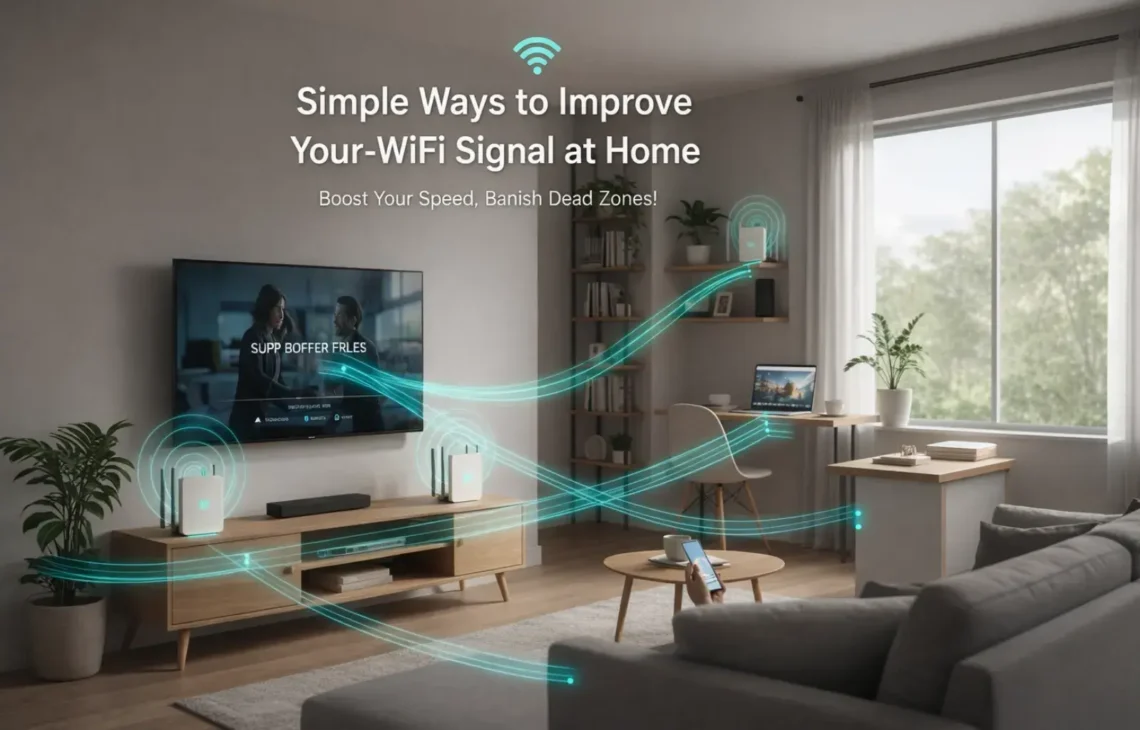
Is your Netflix freezing at the climax of a movie? Or does your Zoom call drop the moment you walk into the kitchen?
You don’t need to be a tech genius to fix a weak connection. Often, the problem isn’t your internet provider—it’s how the signal is moving through your home.
By understanding how home Wi-Fi signal works and making a few strategic adjustments, you can eliminate dead zones and enjoy the speeds you’re actually paying for.
Why is Your Home Wi-Fi Signal Acting Up?
Before fixing it, it helps to know the “Wi-Fi Killers”:
- Physical Barriers: Signals struggle to pass through brick, concrete, and especially metal or mirrors.
- Distance: The further you move from the source, the more the radio waves “decay.”
- Congestion: If every neighbor is on the same frequency, it’s like a traffic jam for your data.
- Electronic Noise: Devices like microwaves and baby monitors operate on the same 2.4 GHz frequency as older Wi-Fi, causing invisible “noise.”
10 Pro-Tips for Improving Home Wi-Fi Signal Strength
1. Give Your Router the “High Ground”
Routers send signals downward and outward. If yours is on the floor or tucked inside a cabinet, you’re losing half the signal to the ground or the furniture.
The Fix: Place it on a high shelf or mount it on a wall in a central location.
2. Update Your Firmware
Manufacturers constantly release software patches that improve security and signal efficiency.
The Fix: Log into your router’s admin portal (usually via an IP address like 192.168.1.1) and check for “Software Update.”
3. Adjust the Antennas
To get the best coverage, avoid pointing all your router’s antennas in a single direction.
The Fix: Position one vertically (for signal to travel through walls) and one horizontally (to help the signal reach different floors).
4. Switch to the 5 GHz or 6 GHz Band
Most modern routers are “Dual-Band” supportive. The 2.4 GHz band reaches far into the distance but gets congested easily. The 5 GHz and newer 6 GHz bands are like wide-open expressways; they offer much faster speeds and less traffic, though they don’t reach quite as far through thick walls.
You May Read Also: How to Access and Recover Data from an Encrypted SD Card?
5. Dodge the Microwave
Kitchens are home Wi-Fi signal dead zones. Metal appliances and microwave ovens create massive interference.
The Fix: Keep your router at least 5–10 feet away from the kitchen and other heavy electronics like cordless phones.
6. Upgrade to a Mesh System
For large homes or houses with thick concrete walls, a single router isn’t enough.
The Fix: Use a Mesh Network (like Google Nest or Eero). These consist of a main router and several “nodes” that create a seamless web of coverage throughout the house.
7. Change the Channel
If you live in an apartment, your neighbor’s Wi-Fi might be “overlapping” with yours.
The Fix: Use a free “Wi-Fi Analyzer” app to see which channels are crowded. Manually switch your router to a clearer channel (usually 1, 6, or 11 for 2.4 GHz.
8. Kick Off “Ghost” Users
An unsecured network allows neighbors to steal your bandwidth, slowing you down.
The Fix: Use WPA3 (or WPA2) encryption and a complex password. Check your “Connected Devices” list in settings to see if there are any intruders.
9. Modernize Your Hardware
If your router is more than 5 years old, it likely uses outdated standards.
The Fix: Look for a router labeled Wi-Fi 6 (802.11ax). It handles multiple devices much better than the older Wi-Fi 5 (802.11ac) standard.
10. Reboot on a Schedule
Over time, routers can get “clogged” with old data and background tasks.
The Fix: A simple 30-second power cycle (unplugging and plugging back in) can clear the cache and resolve many speed issues.
Frequently Asked Questions About Home Wi-Fi Signal
Does the weather affect my indoor Wi-Fi?
Generally, no. Rain or wind won’t affect the signal inside your house. However, While moisture in the air can can technically absorb very high-frequency signals, but this won’t impact your living room setup. Inside a house, the home Wi-Fi signal remains stable regardless of the weather; any noticeable drops during a storm are usually due to external provider issues or local network congestion.
Can too many smart home devices slow me down?
Yes. Every smart bulb, plug, and camera takes a “slice” of the bandwidth. If you have 20+ devices, consider a Tri-Band router which adds a third lane for traffic.
Are Wi-Fi “boosters” any good?
They are a cheap fix but often cut your speed in half because they have to “talk” to the router and you at the same time. A Mesh system is a much more efficient, though more expensive, alternative.
Why is my speed fine near the router but bad in the bedroom?
This is usually due to “attenuation”—the weakening of the home Wi-Fi signal as it passes through objects. Mirrors are particularly bad because the metallic backing reflects the signal away from you.