Starting a blog involves much more than just writing your first post. While most of the initial excitement goes into technical tasks—like picking the right blogging platform or brainstorming a unique subdomain name—the real foundation of a successful site lies in its “Static Pages.”
What are the must-have pages for every new blog…?
These pages don’t change often, but they perform a heavy task: they turn a random visitor into a loyal reader. If you want your site to look like a professional brand (and not just a temporary project), you need more than just a custom logo; you need transparency and credibility.
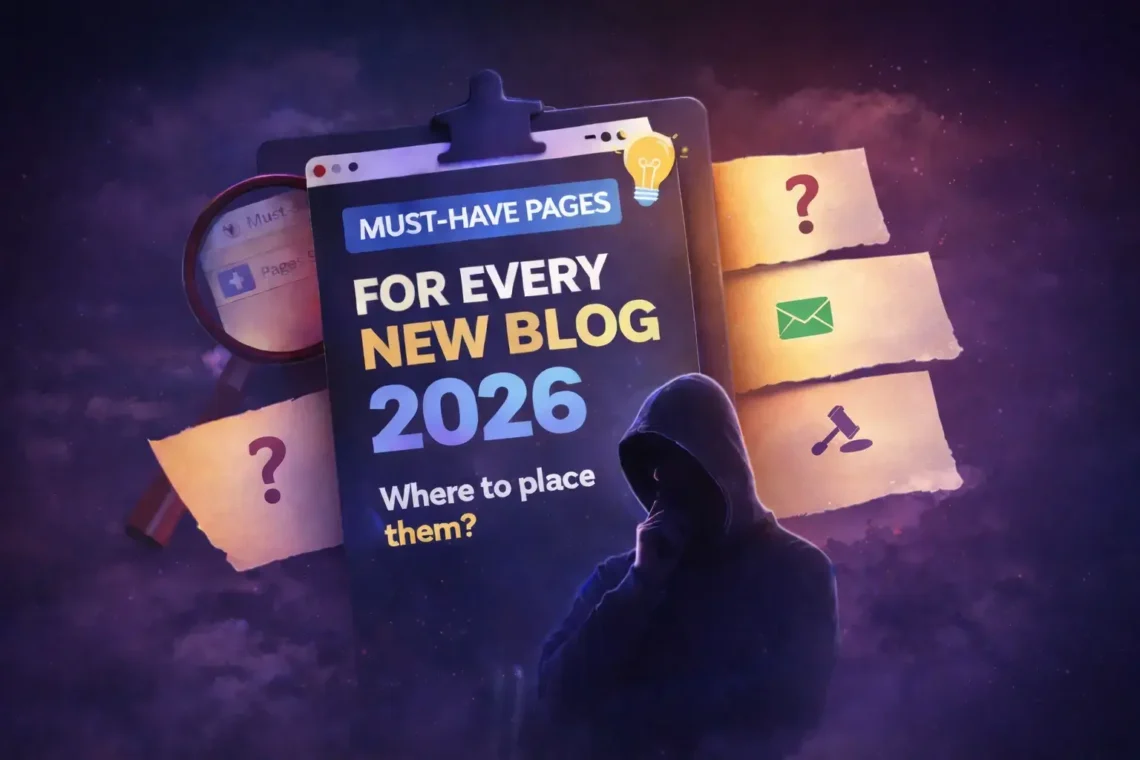
In this guide, we will cover the three must-have pages for every blog that every creator must set up before their official launch.
Must-Have Pages for Every New Blog
The “About” Page: Your Digital Handshake
In a world full of anonymous content, people connect with people. When a reader lands on your site, they aren’t just looking for information; they are looking for an expert they can trust. Your About Page isn’t just a biography; it’s a bridge between you and your audience.
Your About page is your opportunity to explain the “Why” behind your journey. Whether you are following a step-by-step blogging roadmap or sharing a personal hobby, use this space to tell your story.
- The Hook: Start with the problem you are solving for your readers. Don’t just talk about yourself. Explain how your content will help them.
- Be Authentic: Share your background and what inspired you to start this specific blog.
- The Credibility: Explain why you are the right person to talk about this topic.
- Call to Action (CTA): Invite them to subscribe to your newsletter or follow you on social media.
The “Contact” Page: Opening the Door for Growth
A blog without a contact page is like a shop with a locked door. You never know who is trying to reach you—it could be a fan with a thank-you note or a brand looking for a paid partnership. A dedicated Contact Page makes you look professional and accessible.
To keep it professional:
- Simple Contact Form: Most platforms like Substack or WordPress have built-in forms.
- Direct Email: Listing a professional email address (e.g., hello@yourblog.com) adds another layer of trust.
- Social Media Links: Give people alternative ways to reach you.
- Response Time: Mention that you usually reply within 24-48 hours to manage expectations.
Pro Tip: Make sure your contact page is easy to find. Most bloggers place it in the top navigation menu or the footer, right next to the link about how they choose a memorable subdomain name.
Privacy Policy & Disclaimer: Your Safety Net
Legal pages might feel unnecessary when you have zero traffic, but they are vital for long-term survival. Google, ad networks, and affiliate programs all require you to have a Privacy Policy. Also in 2026, data privacy laws (like GDPR and CCPA) are stricter than ever.
- Privacy Policy: You must inform users if you use cookies or collect email addresses for your newsletter.
- Disclaimer: If you recommend products or give advice, a disclaimer protects you from legal liability by stating that your content is for informational purposes only.
- Terms of Service: This outlines the “rules” for using your website.
Where to Place These Pages?
For the best user experience and SEO you must place these pages in:
- Header Menu: Place the “About” and “Contact” pages here.
- Footer Menu: Place the “Privacy Policy,” “Terms,” and “Disclaimer” here.
By setting up these pages, you ensure that when a visitor lands on your site, they see a legitimate, professional business rather than just a random hobby site.
Summary Checklist
Before you promote your blog, ensure these links are visible in your footer or header:
- About: To build trust.
- Contact: To build connections.
- Legal/Privacy: To build authority.